
Introduction
PostgreSQL Query Optimization is one of the most effective ways to improve database performance without upgrading your infrastructure. When a PostgreSQL query starts taking several seconds—or even minutes—to execute, the first reaction is often to scale the database server.
Add more CPU.
Increase memory.
Upgrade to a larger cloud instance.
While these changes may temporarily improve performance, they rarely address the real problem.
In many cases, the bottleneck isn’t the infrastructure—it’s the query execution plan.
Over the years, I’ve found that most PostgreSQL performance issues can be resolved by following a structured optimization process rather than making assumptions. In this article, I’ll share a practical four-step workflow that helps identify bottlenecks, optimize queries, and validate improvements using measurable data.
Why Query Optimization Matters
Poorly optimized queries affect more than just response time. They can increase infrastructure costs, consume unnecessary CPU and memory, and reduce the overall capacity of your database.
A single inefficient query executed thousands of times each day can have a significant impact on system performance.
Instead of immediately upgrading your PostgreSQL server, start by understanding where the database is actually spending its time.
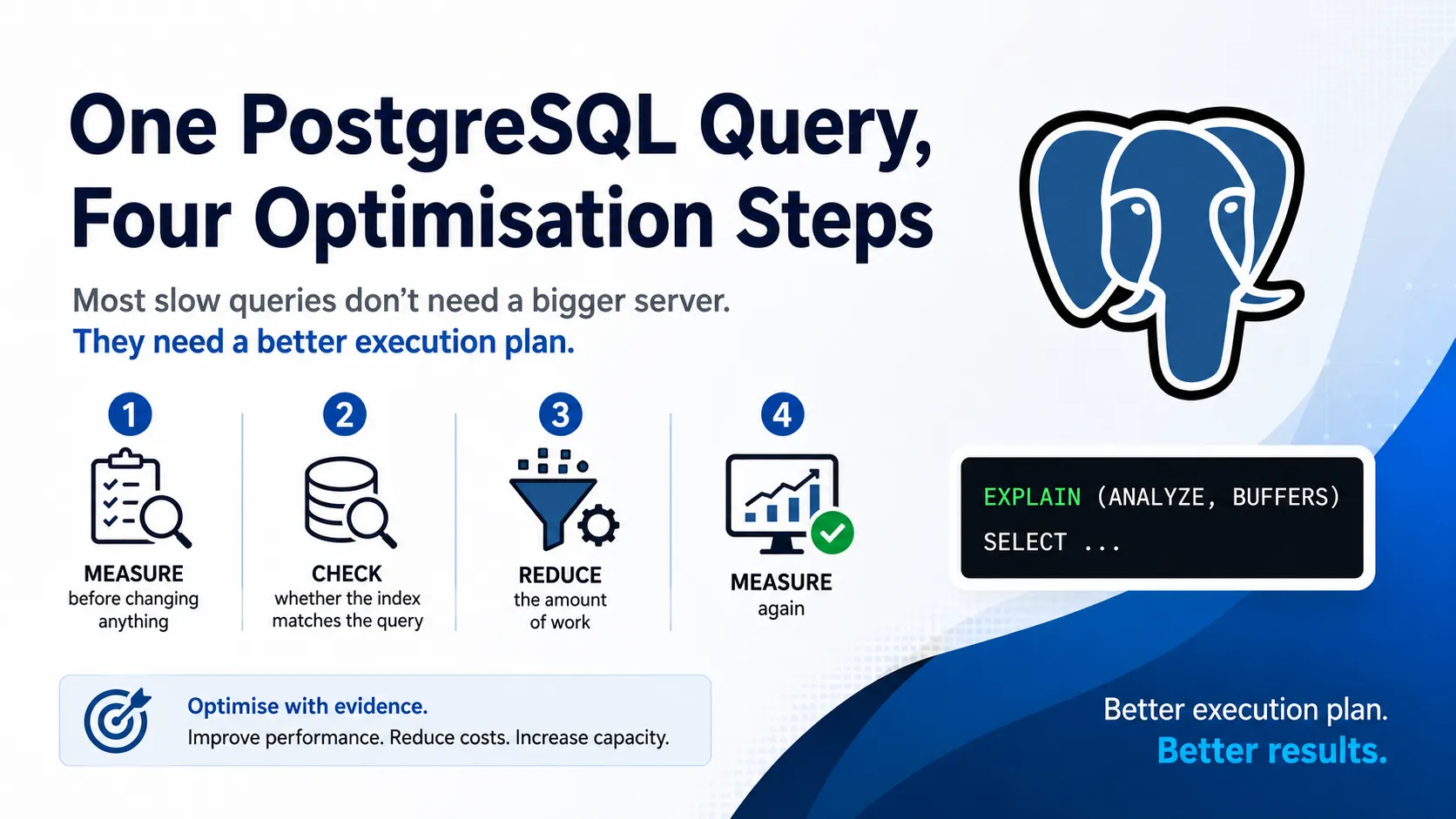
Step 1: Measure Before Changing Anything
Every optimization should begin with data.
PostgreSQL provides one of the most valuable troubleshooting tools through the EXPLAIN (ANALYZE, BUFFERS) command.
EXPLAIN (ANALYZE, BUFFERS)
SELECT *
FROM orders
WHERE customer_id = 1001;
Rather than guessing what’s wrong, the execution plan shows exactly how PostgreSQL executes your query.
Pay attention to:
- Sequential scans
- Large sort operations
- Nested loops on large tables
- High row counts
- Shared buffer reads
- Temporary disk usage
These metrics reveal where the database is spending time and help identify the real bottleneck.
Key takeaway: Never optimize blindly. Measure first.
Step 2: Verify That Your Index Matches the Query
Many developers assume that simply creating an index is enough.
In reality, PostgreSQL can only use an index efficiently when the query is written in a way that supports it.
Ask yourself:
- Is the filter column indexed?
- Is the column order appropriate for the query?
- Would a composite index improve performance?
- Is the query applying a function that prevents index usage?
For example, consider this query:
WHERE DATE(created_at) = '2026-08-01'Although it looks simple, wrapping the indexed column in a function often prevents PostgreSQL from using the index efficiently.
A better approach is:
WHERE created_at >= '2026-08-01'
  AND created_at < '2026-08-02'
The logic is identical, but PostgreSQL can usually perform an index range scan instead of scanning the entire table.
Step 3: Reduce the Amount of Work
One of the simplest ways to improve performance is to reduce how much data PostgreSQL has to process.
Avoid using:
SELECT *Instead, retrieve only the columns your application actually needs.
Other practical optimizations include:
- Filter rows as early as possible.
- Join smaller datasets before larger ones.
- Remove unnecessary sorting.
- Avoid repeated calculations.
- Eliminate unused joins.
Reducing workload often provides greater performance improvements than upgrading hardware.
Step 4: Measure Again
Optimization isn’t complete until you’ve verified the results.
Run the execution plan again using the same query.
Compare:
- Execution time
- Rows scanned
- Shared buffer reads
- Temporary disk usage
- Planning time
Capturing before-and-after metrics provides objective evidence that your changes improved performance.
Without measurement, optimization becomes guesswork.
A Simple PostgreSQL Optimization Workflow
Whenever I investigate a slow query, I follow the same process:
- Analyze the execution plan.
- Identify the bottleneck.
- Improve the query or indexing strategy.
- Measure the results again.
This repeatable workflow minimizes risk and ensures that every optimization is supported by measurable improvements.
Business Benefits of Query Optimization
Database optimization isn’t just a technical exercise.
It delivers measurable business value by:
- Lowering cloud database costs
- Delaying expensive infrastructure upgrades
- Reducing report generation times
- Improving application responsiveness
- Increasing overall database capacity
- Enhancing user experience
In cloud environments where resources are billed based on usage, efficient SQL can significantly reduce operational costs.
Best Practices
When optimizing PostgreSQL queries, keep these principles in mind:
- Always analyze execution plans before making changes.
- Design indexes based on query patterns, not assumptions.
- Avoid functions on indexed columns whenever possible.
- Retrieve only the data your application needs.
- Measure every optimization using
EXPLAIN ANALYZE. - Focus on reducing unnecessary work before scaling infrastructure.
Final Thoughts
One of the biggest lessons I’ve learned while working with PostgreSQL is that performance optimization starts with evidence—not assumptions.
Before increasing CPU, memory, or database instance size, ask yourself:
Have we proven that the database server is the bottleneck, or are we simply throwing hardware at an inefficient query?
More often than not, a better execution plan will outperform a bigger server.
Conclusion
PostgreSQL provides powerful tools for understanding and optimizing query performance. By following a structured workflow—measure, analyze, optimize, and validate—you can improve application performance while reducing infrastructure costs.
Good database optimization isn’t about making random changes.
It’s about making informed decisions backed by real execution metrics.
About the Author
Akhilesh Singh Shrinet is a Software Architect specializing in Healthcare Systems, AI/ML, Data Engineering, Cloud Architecture, and Performance Engineering. He writes practical articles on Python, PostgreSQL, distributed systems, cloud-native development, and software architecture to help developers build scalable, high-performance applications.